Description
Easybrain's Arrow Puzzle is a polished tap-away game that turns crowded arrow boards into a calm sequence of safe exits. Its readability and steady difficulty are welcoming, but the familiar format, mistake allowances, and monetized hints make long-term appeal depend on enjoying repetition.
Arrow Puzzle: Tap Puzzle Games Review
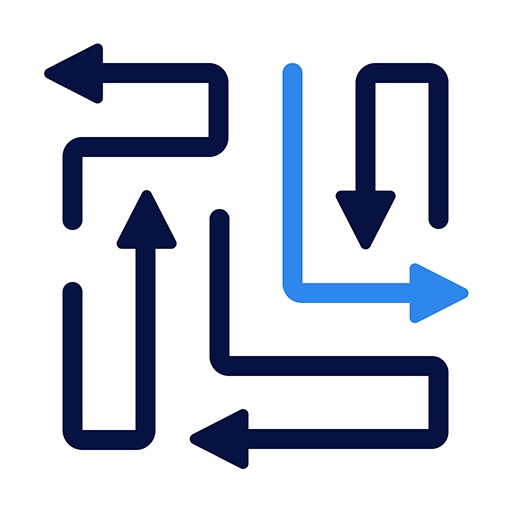
Arrow Puzzle: Tap Puzzle Games asks players to clear a board by tapping arrows that can travel safely in the direction they point. Any piece crossing another arrow, wall, or board element must wait until that obstruction is removed. The result is a visual dependency puzzle: locate a free edge piece, release it, and reassess the paths that have opened.
Easybrain's experience with mainstream puzzle apps shows in the presentation. Arrowheads are legible, animations explain collisions, and the interface avoids unnecessary decoration around the active board. Early stages build confidence quickly, while later arrangements use denser overlaps and less obvious release order.
The lack of a timer supports the advertised relaxing pace. Like many tap-away games, its longevity comes from generating more configurations of a narrow rule set rather than introducing a completely new challenge every few levels. Once a player learns to scan exposed directions and trace blockers backward, routine boards can feel mechanical.
Lives, mistake counters, hints, or ads may also shape the experience depending on the current version. Arrow Puzzle is a dependable choice for short logic sessions and players who enjoy cleaning a crowded screen. It is less suitable for those who want complex deduction, a story, or puzzles with one surprising conceptual breakthrough.
Base Info
Official Sources
LumenPlays points players to official store and publisher pages where available. Use these links to review current pricing, availability, privacy details, and device requirements.
Screenshots
How to Play Arrow Puzzle: Tap Puzzle Games
Tap an arrow only when the lane in front of its arrowhead is clear all the way to the edge or designated exit. The piece then moves away and leaves open space behind. Continue until every arrow has been removed.
A collision may consume a mistake allowance or require the move to be retried. Begin at the perimeter, but do not assume every outer arrow is free; some point inward or cross a longer piece. Trace the full lane before tapping.
After each removal, rescan nearby arrows because one move often unlocks several options. Choose the option that frees the most congested section rather than taking the first obvious piece. If no move is visible, select a blocked arrow and follow its lane to the first obstruction.
Then inspect what blocks that obstruction. Continue until the dependency chain reaches an arrow with an open route. Hints can confirm a move, but understanding the chain will help on later boards with the same structure.
Pros
- Clear art and animation make paths readable.
- Untimed boards encourage deliberate play.
- Simple controls are comfortable on a phone.
- Difficulty rises without a complicated tutorial.
Cons
- Core interactions are very familiar within the genre.
- Repeated layouts can become mechanical.
- Hints and ad systems may interrupt concentration.
Beginner Tips
- Check where an arrow points, not merely where it sits.
- Trace long lanes to the edge before tapping.
- Rescan the board after every removal.
- Clear pieces that unlock crowded central areas.
- Follow blocker chains backward when no free arrow is obvious.
FAQ
How do you clear a board in Arrow Puzzle?
Tap arrows in an order that gives every piece an unobstructed path off the board.
Why did my outer arrow collide?
An edge position does not guarantee freedom; the arrow may point inward or cross another piece farther along its lane.
Is there a time limit?
The standard design emphasizes untimed logic and a relaxed pace rather than speed.
What is the best way to find the next move?
Scan arrows pointing toward open edges, then verify each complete path before tapping.
Similar Games